Juggernaut XL AI Image Generator
The free Juggernaut XL AI image generator — create photorealistic AI images online using the Juggernaut XL Lightning SDXL model.
Write a prompt, click generate, get a 1024×1024 photorealistic image in seconds. Start free, no card required.
Juggernaut XL Playground
Type any prompt, click generate, get a 1024×1024 photorealistic image from Juggernaut XL Lightning SDXL.
Need inspiration? Try one of these prompts:
How it works
How to use the Juggernaut XL AI image generator
Three steps from idea to image. No model setup, no prompts pasted into the wrong field, no waiting for downloads.
- 1
Open the Juggernaut XL playground
Scroll up to the playground above. It's already loaded with the Juggernaut Lightning SDXL model — no configuration needed.
- 2
Write your prompt
Describe what you want as if you were briefing a photographer: subject, lens, lighting, mood, time of day. Juggernaut XL responds well to photography vocabulary, so use it. If there's something to exclude (extra fingers, watermarks, washed-out colours), open Advanced and add a negative prompt.
- 3
Generate and download
Click Generate. The image typically appears in 6–12 seconds at full SDXL resolution. Download it directly — no watermark, no logo, no resampling. If the result isn't what you wanted, tweak the prompt and run it again.
Why Juggernaut XL
What makes the Juggernaut XL AI image generator different
Three things separate Juggernaut XL Lightning from a generic SDXL endpoint — and from the bigger, slower commercial models.
Photorealism that holds up at full resolution
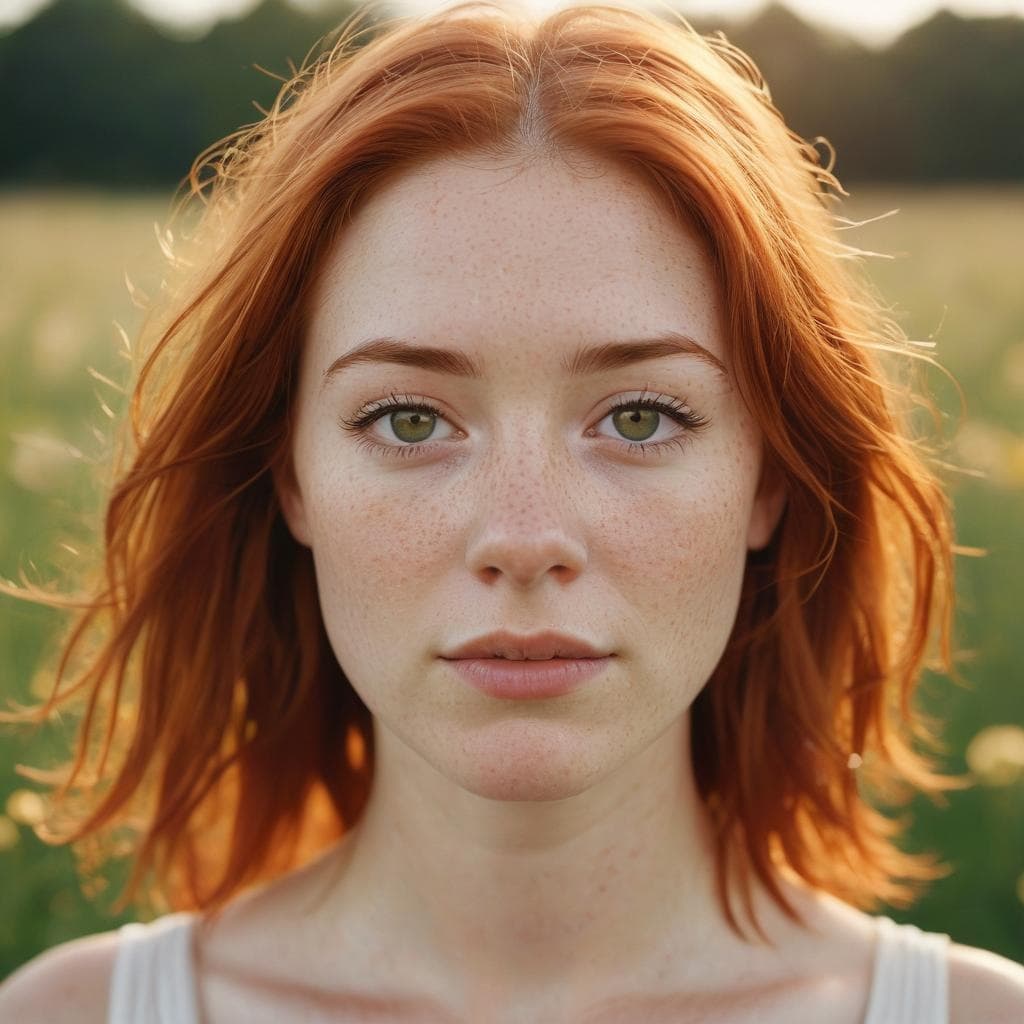
Juggernaut XL was fine-tuned with one priority: making images that look like they came out of a camera, not a model. Skin keeps its pores. Hair has stray strands. Eyes have catchlights. Lighting falls off the way real light does. Zoom into a 1024×1024 portrait and the detail is still there — it doesn't smear into AI mush at native resolution the way many SDXL fine-tunes do. If you've been frustrated with photorealistic prompts elsewhere, this is the model that fixes most of it.
Generate a portrait →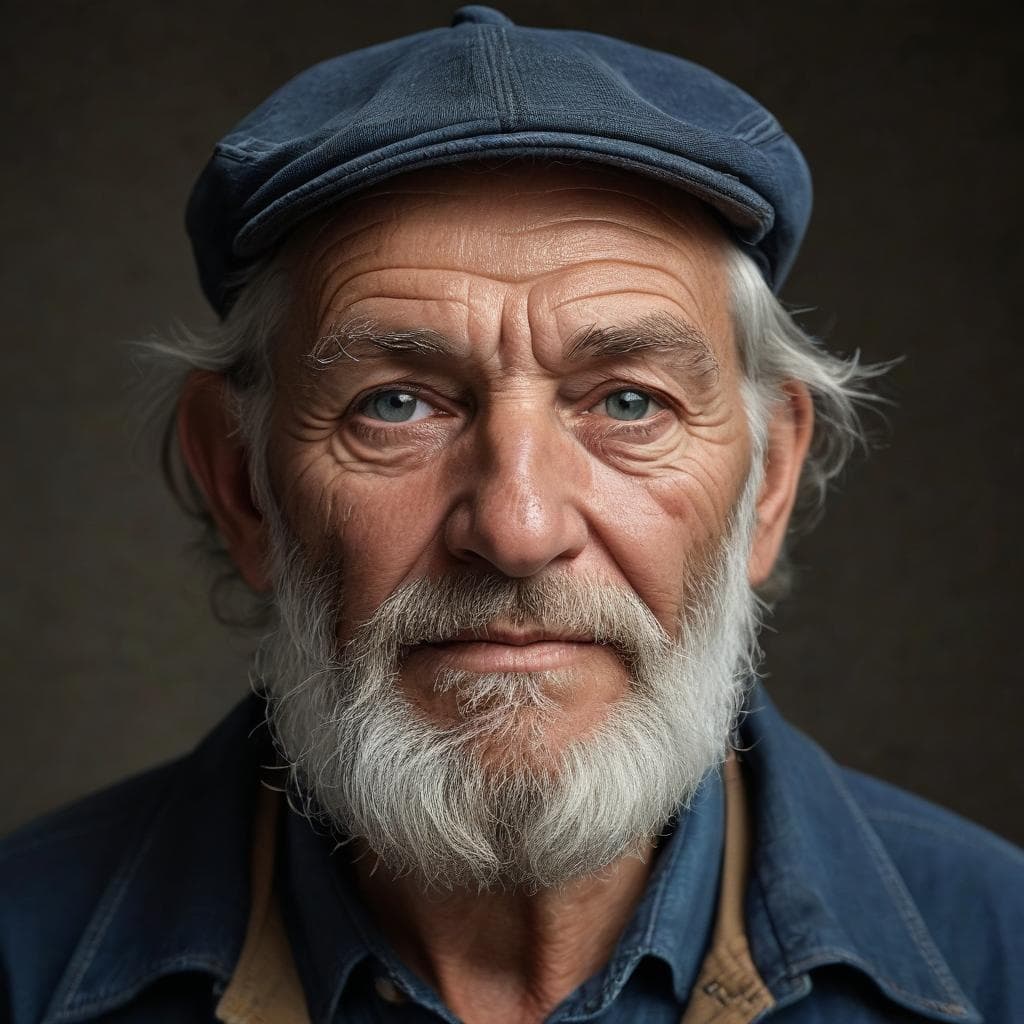
Lightning variant — same quality, 3–5× faster
Standard SDXL needs 25–30 diffusion steps to converge on a clean image. The Lightning variant we run is distilled using Latent Consistency Models down to 4–8 steps without giving up the Juggernaut look. In practice this means most prompts complete in 6–12 seconds end-to-end, including upload to storage. Iterate quickly, test variations, refine the prompt — the speed changes how you work with the model.
Open the playground →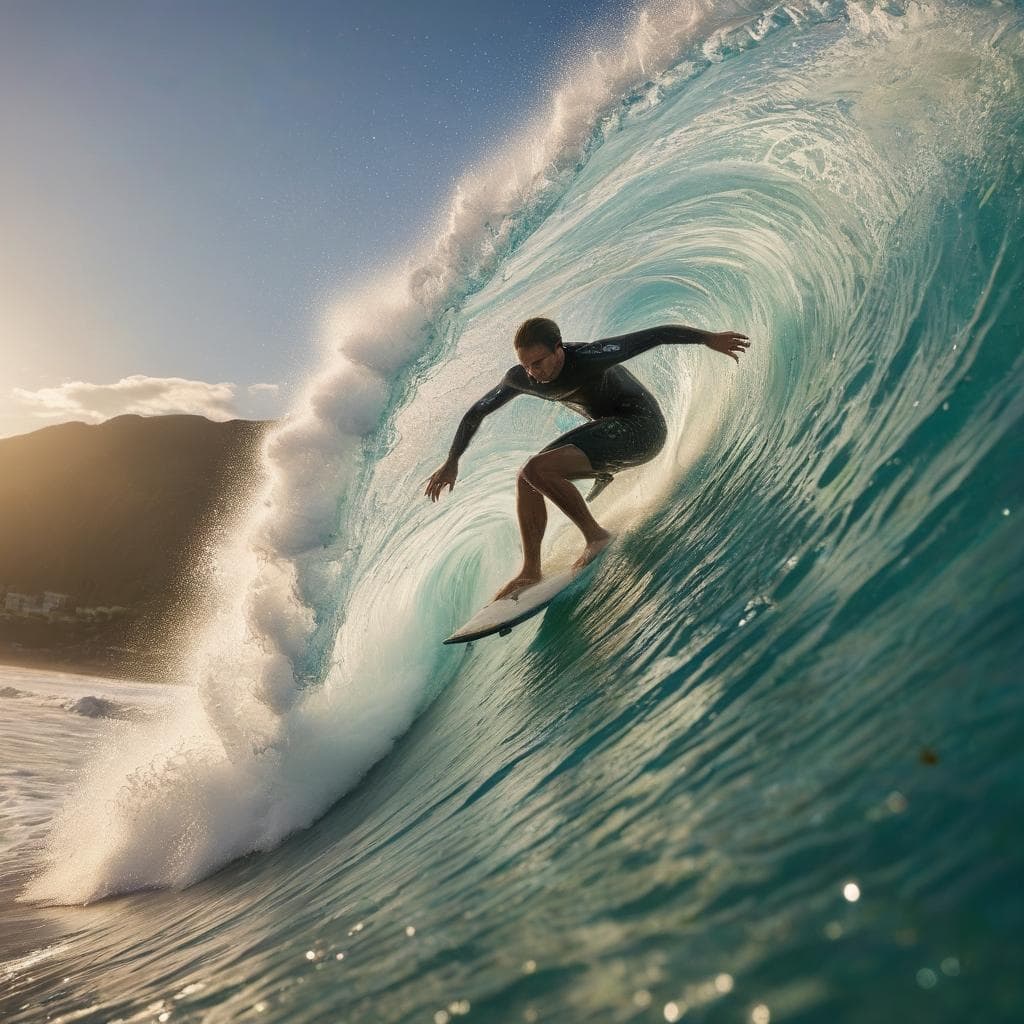
Open weights, yours to use commercially
Juggernaut XL is released under the CreativeML Open RAIL++-M licence. That means you own what you generate, you can use it commercially without paying us royalties or attribution, and you can use it for client work without worrying about a Midjourney-style content licence buried in the terms. Outputs come as full-quality 1024×1024 PNGs — no watermark, no logo, no downsampling, no usage tracking.
Generate something for your project →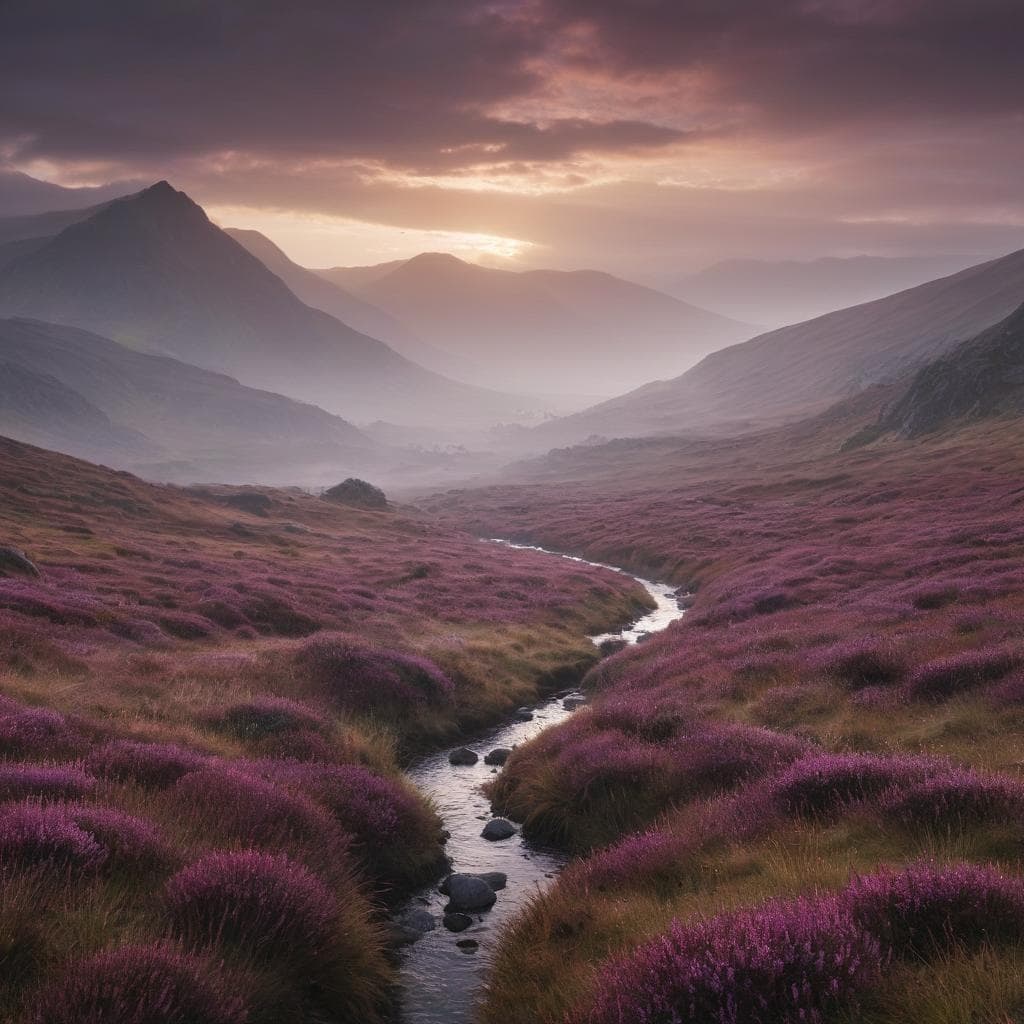
FAQ
Questions about the Juggernaut XL AI image generator
Everything we get asked, grouped by topic. If yours isn't here, drop us a line.
About Juggernaut XL
What is Juggernaut XL?+
Juggernaut XL is a popular fine-tune of Stable Diffusion XL (SDXL) by RunDiffusion. It was trained specifically to fix the things stock SDXL gets wrong in photorealistic work — plasticky skin, flat lighting, lifeless eyes, broken hands. Among open-source SDXL models, it's widely considered the strongest general-purpose option for photographic-style imagery.
What is the Lightning variant?+
Juggernaut Lightning is the same model, distilled with Latent Consistency Models (LCM) so it converges in 4–8 inference steps instead of the 25–30 a standard SDXL model needs. You get the same Juggernaut look — same skin, same lighting, same color profile — but each generation finishes in roughly a third of the time. That's what we run.
How is it different from FLUX, SD3, or Midjourney?+
FLUX and SD3 are newer, larger architectures with their own strengths (FLUX is better at text rendering, SD3 has stronger prompt comprehension). Juggernaut XL's edge is photorealism at SDXL's resolution with mature tooling — it's been iterated on for over a year and produces extremely consistent skin and lighting. Midjourney is closed and rents on subscription; Juggernaut is open weights running on our infrastructure.
Is it really free?+
You get free credits to try the generator with no card required. After those run out you can either keep going by buying a credit pack or stop — there's no subscription and no recurring charge.
Using the generator
How do I write a prompt that works?+
Be specific about subject, camera/style, and lighting. "A man laughing" gets you a generic stock photo; "A man in his 40s laughing in golden-hour light, 50mm lens, shallow depth of field, photojournalism style" gets you something usable. Juggernaut XL responds well to photography vocabulary (focal lengths, film stocks, lighting setups) so use it.
What size are the images?+
Square 1024×1024 PNG — SDXL's native training resolution. This is the size Juggernaut XL was trained on, so it produces the cleanest results. For non-square crops, generate at 1024×1024 and crop to taste in any image editor. Non-square output directly from the model is on our roadmap.
How long does generation take?+
Most prompts finish in 6–12 seconds. First generation in a cold session may take slightly longer while the model warms up.
Why did my generation fail or look bad?+
Three usual suspects: (1) the prompt was vague, (2) the model interpreted something literally that you meant figuratively, or (3) the content policy blocked it. Rewrite with more concrete nouns and try again. If you're getting anatomy issues, add a negative prompt — under "Advanced" — with terms like "deformed, extra fingers, bad anatomy".
Can I use a negative prompt?+
Yes — expand the "Advanced" section in the generator. A short negative prompt ("blurry, low quality, deformed, watermark") is usually enough; long negatives often hurt more than they help.
Output and rights
What format and resolution are the images?+
PNG at 1024×1024 — SDXL's native training resolution. Crisp, full-quality, no watermark, no logo, no downsampling, no compression artefacts. Upscale to 4K with any standard upscaler (Topaz, Real-ESRGAN, Upscayl) if you need more pixels.
Can I use generated images commercially?+
Yes. Juggernaut XL is released under CreativeML Open RAIL++-M, which permits commercial use. You own what you generate; we don't claim any rights to your outputs. Standard restrictions on illegal content still apply.
Do you store my generations or my prompts?+
We store generated images so the URL keeps working (Segmind's output URLs expire within 24 hours). Logged-in users can see their history in their account. We don't share, sell, or train models on your prompts.
How do I download the image?+
Click the Download button below the result. On mobile, long-press the image and choose Save Image.